01
Choose a video
Preview the examples and select the video you want to make with your own photos.
Two photos. Two people taking turns. 8 seconds in total — 4 seconds each, with one role swap.
Make my Hop Hop Hop DancePreview the examples. Choose your video in the studio below.
One person stands close to the camera. Another hops farther back. The front person lowers a flat palm, the one behind squats as if squashed, and a hard cut swaps their places. That is the Hop Hop Hop Dance.
Upload two separate photos, one for each person. The studio requests an 8-second, 720p duet with original audio: one person hops for 4 seconds, then the roles swap for the other person’s 4 seconds.
Explore the Hop Hop Hop Dance AI trend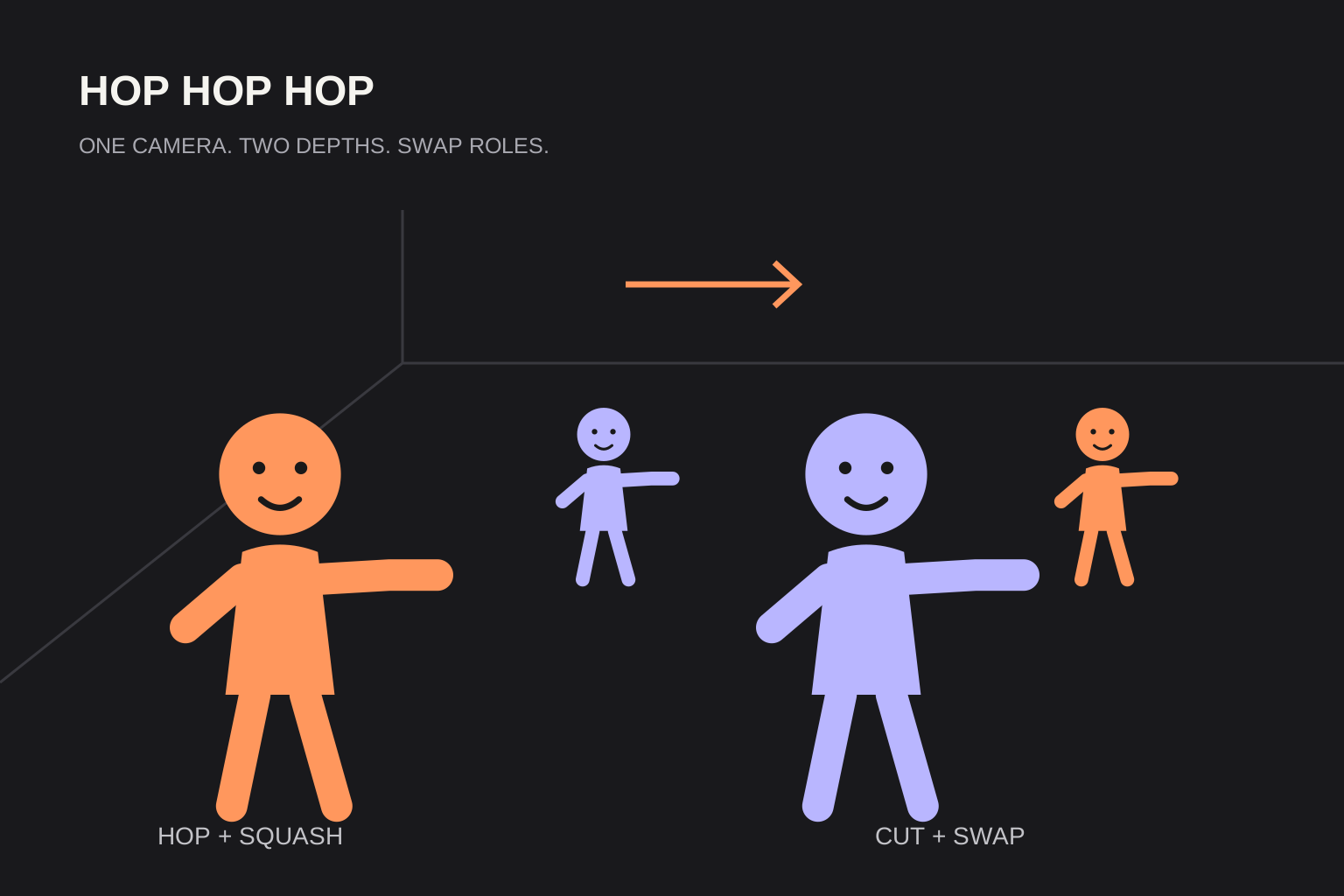
Three simple steps. Start right here in your browser.
Preview the examples and select the video you want to make with your own photos.
Upload two clear photos, one of each person. Keep both faces visible and include the upper body when possible.
Select a model, then generate your video. Follow its progress and download the finished clip; confirmed failures return reserved credits.
Put you and your partner in one squash-and-swap scene, even when your photos were taken apart.
Upload a photo each. Hop in the back, squash from the front, then swap roles.
Upload one photo of each sibling. One hops for 4 seconds, then you swap and the other takes a turn.
Try a dog, a cat or your own costume photos. The script adapts the routine to your subjects.
A trend, a template or your own take. There is a starting point for each.
Make an 8-second squash-and-swap duet from two photos.
Explore this ideaUnderstand the near-and-far trick behind the Gabi trend.
Explore this ideaTwo separate photos. Take turns in front of the camera.
Explore this ideaTwo photos. One role swap. Four seconds each.
Explore this ideaTry the routine with a dog or cat as your dance partner.
Explore this ideaBring your costume photos into the squash-and-swap scene.
Explore this ideaOne payment. 1, 5, or 20 Hop Hop Hop videos. Each 8-second, 720p video uses 20 credits, with original audio.
For your first Hop Hop Hop Dance moment.
1 video20 credits
$8.90 per video
Try more people, scenes and versions.
5 videos100 credits
$5.98 per video
For more friends, pets and playful pairings.
20 videos400 credits
≈ $5.00 per video
One-time USD packs. Purchased credits never expire. Choose any Hop Hop Hop Dance case style with your credits.
All three models use 20 credits for a 8-second, 720p video.
A focused starting point for your next photo-to-video idea.
Add one photo for each person. Both photos are required; a shared photo is not needed.
A fixed camera, playful hops, a flat-palm squash and a clear role swap.
Choose a video example and add your photos. The built-in script describes the choreography.
Prepare your edit in the browser. No app download needed.
An 8-second, 720p video uses 20 purchased credits on every model.
Preview photos locally; send them to the video service only when generating.
A few answers before you start your next idea.
A playful squash-and-swap routine: one character hops in the distance while the other appears to press them down near the camera. A hard cut swaps their roles. Here, photos provide the characters for an AI version.
Two photos are required, one for each person. This is an 8-second duet: the first 4 seconds show one person hopping, then a cut swaps their roles for the next 4 seconds. There is no single-photo mode.
Choose a video example and upload clear pet or costume photos you have permission to use. Animal poses, costume details and identity consistency can vary in AI output.
Photo previews and video example selection are free. Each 8-second, 720p video uses 20 purchased credits. One-time packs cost $8.90 for 20 credits, $29.90 for 100 or $99.90 for 400. Purchased credits do not expire.
The studio requests original rhythmic audio, not the original song recording. Add an available trend sound in your publishing app if it is permitted for your account and intended use.
AI results vary. Clear photos help, but faces, hands, pet anatomy and cut timing can change. Review both characters before and after each swap before you publish.
Confirmed failed tasks return their reserved credits once. While a task is processing or its status is uncertain, wait for reconciliation before starting another attempt. Returning to the page can restore an active task.
Photos are previewed locally. Generating sends them through our server to EvoLink; we do not persist the original uploaded photo files. My videos lists the last three days of tasks, but provider download links can expire earlier. Download finished videos promptly.
Choose your partner. Add two photos. Take turns for 4 seconds each.