Choose a video example in the studio, then add two clear photos, one per person, and generate. Frame and model options are available in Advanced settings. No custom prompt is required.
Sign in and review the 20-credit cost before submitting. Follow the task status, check the finished video and download it promptly. Confirmed failed tasks return the reserved credits; a pending task is not a confirmed failure.
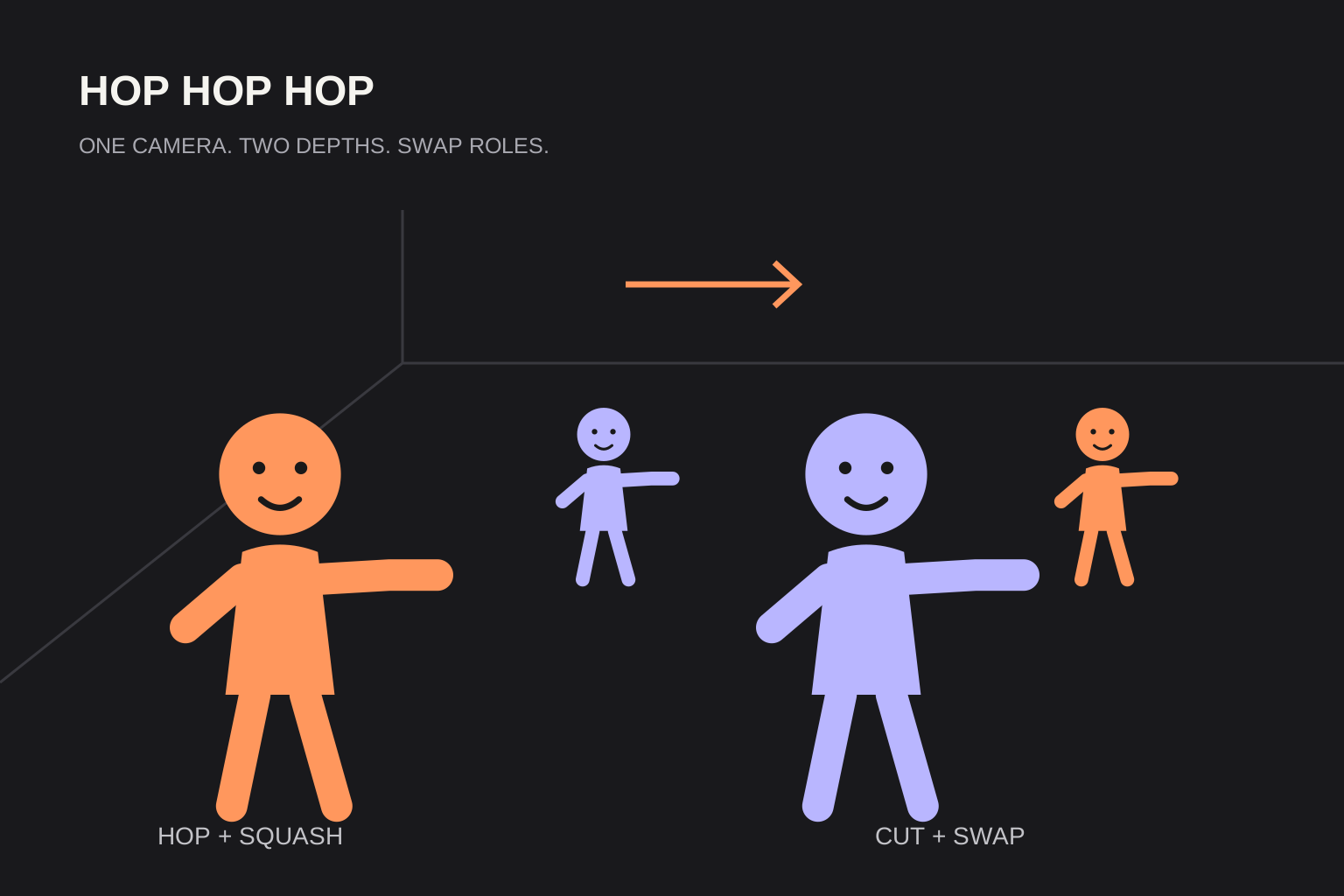 Routine illustration
Prepare your characters
Use two photos with one clear person in each. Both photos are required. You do not need a shared photo or a filmed dance.
Hop, squash, then swap
The camera stays still. The front character gestures toward the character behind, then lowers a flat palm while the rear character squats. A hard cut reverses their depths; the same characters keep their faces and outfits. This is the requested choreography, and AI timing may vary.
Check the result before sharing
Check both faces, hands or paws and the role swap. The current studio requests 8 seconds at 720p with original audio for 20 purchased credits. Download the result promptly, then add captions or a permitted trend sound in your publishing app.
Sources and editorial notes
The studio uses built-in character scripts. Review faces, movement and timing before sharing your video. Read our editorial approach