This page compares Hop Hop Hop / Gabi-style CapCut trend templates with this site’s two-photo squash-and-swap AI. It is not about generic hip-hop beat edits or a beat-cut slideshow.
If you already have footage, editing a template can preserve the performance you filmed. If you have only two separate portraits, this browser studio can generate a new performance without a custom prompt.
 Routine illustration
What this page compares
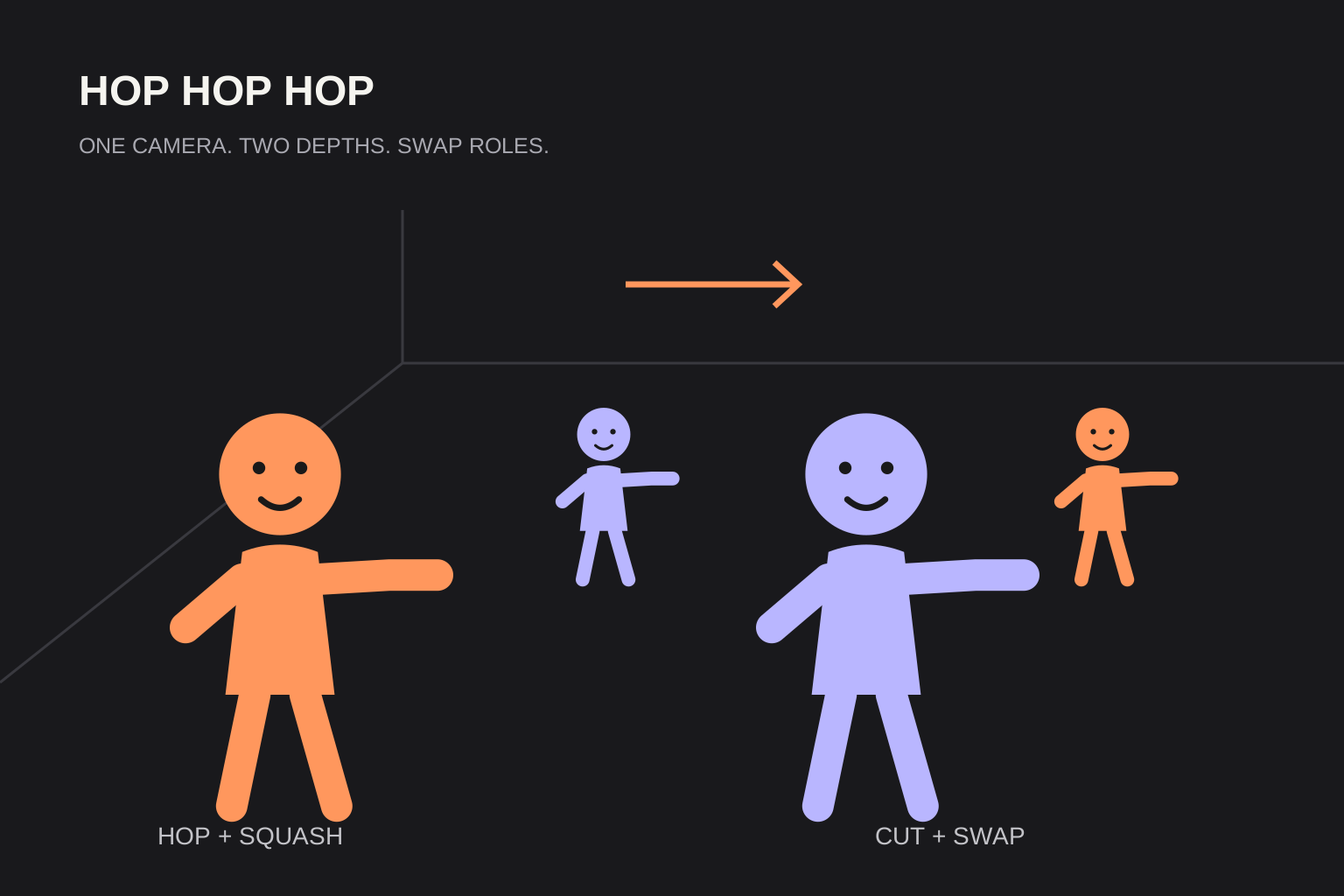
The subject is Hop Hop Hop / Gabi-style squash-and-swap: a foreground palm, a distant squat and a hard-cut role exchange. A generic beat edit can change pictures on a rhythm without showing that performance. This comparison covers template editing, not every AI feature available in CapCut.
CapCut path (typical)
Choose a suitable trend template, inspect its replaceable clips, add your footage or photos and review the timeline. Check CapCut’s current template requirements, including any Pro or credit requirement shown for that template. Replacing a media slot alone does not establish that it generates the two-person performance.
Hop Hop Hop Dance AI path
Upload two photos (one person each). The studio requests an 8-second, 480p video with original audio for 20 purchased credits. Downloads have no watermark. No app and no custom prompt are required.
| Question | CapCut template | This AI studio |
|---|---|---|
| Input | Media that fits the template slots | Two required photos |
| Movement | Check the selected template and your footage | AI requests a new squash-and-swap; results vary |
| Output here | Template requirements vary | 8s, 480p default, 20 credits, no watermark |
Audio difference
This studio requests original rhythmic audio, not the commercial TikTok trend recording. Add a permitted trend sound in your publishing app after downloading. With a template, check the attached sound and whether it is allowed for your account and intended use.
When to pick which
If you already filmed the palm, squat and swap, template editing can arrange your real footage. If you only have two separately taken portraits and want a new squash-and-swap scene, use this AI studio. Review the generated identities and timing before publishing.
Twin / one-photo note
This site requires two photos. Single-photo twin mode is not offered. A twin feature described by another service does not describe this studio.
FAQ
Is this about generic CapCut beat edits?+
No. It compares Hop Hop Hop squash-and-swap photo AI with CapCut trend templates.
Does Hop Hop Hop Dance AI need a CapCut template or prompt?+
No. Upload two photos in the browser studio. No CapCut project and no custom prompt are required.
Does the AI file include the TikTok original song?+
No. The studio requests original rhythmic audio, not the commercial trend recording. Add a permitted sound in your publishing app.
Does the download include a watermark?+
No. Downloads have no watermark.
Sources and editorial notes
The studio uses built-in character scripts. Review faces, movement and timing before sharing your video. Read our editorial approach