An unclear role switch may show blended faces, changing outfits or a missing near-and-far exchange. Inspect the actual cut before deciding whether the problem is visual quality or task status.
Two photos are required. The studio requests 8 seconds at 480p default for 20 purchased credits. Downloads have no watermark. A completed result that looks weird is not the same as a confirmed task failure.
 Routine illustration
What “the switch” is
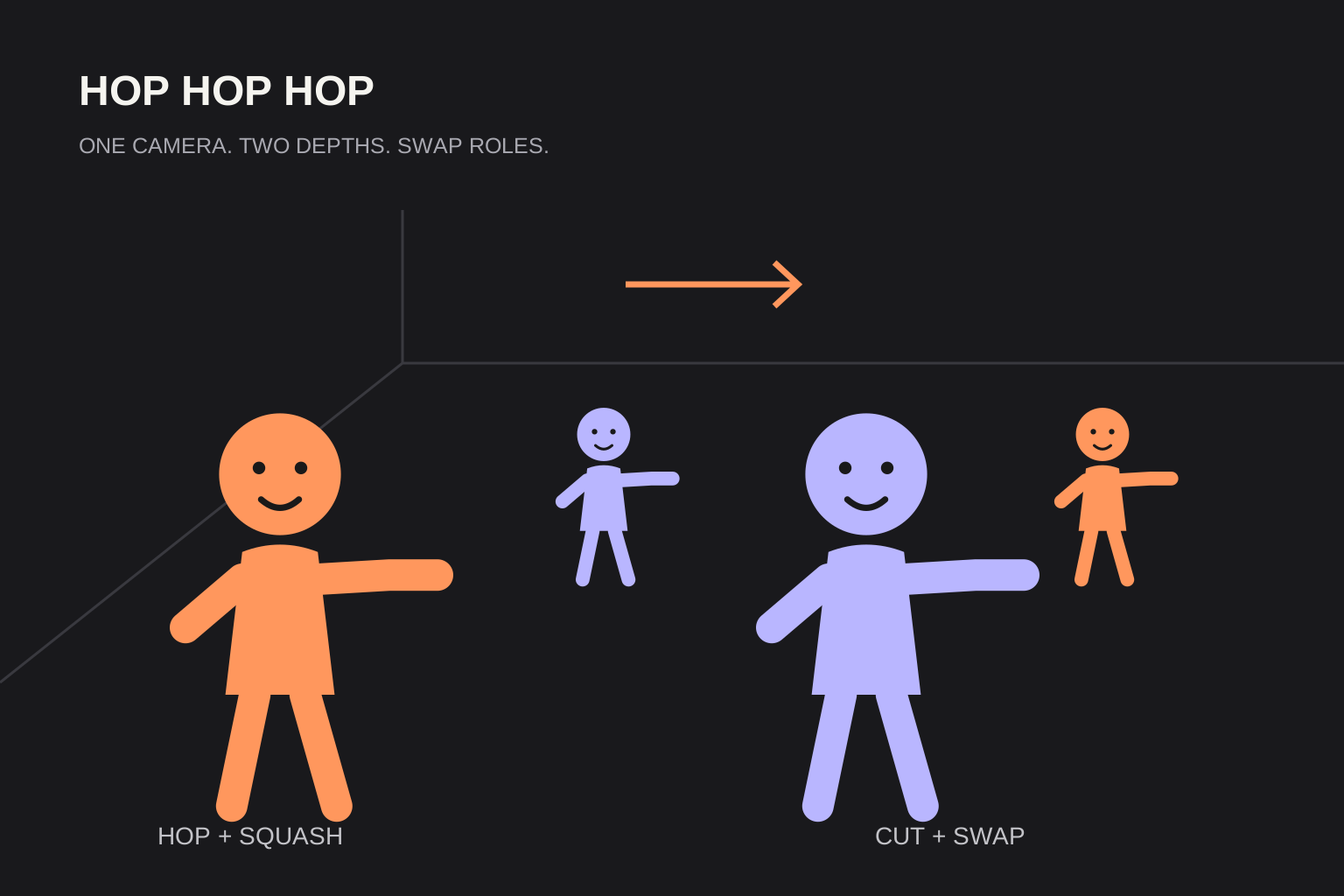
The hard cut reverses which character is near the camera and which is farther away. Their positions should change while each keeps their own face and outfit. Face blending is different from a clean role exchange.
Common failure patterns
Similar faces or outfits can make a swap hard to follow. Blur, sunglasses and group shots can hide the reference features you need to check. These are practical photo-selection considerations, not claims about internal model weights or a guarantee that better photos will fix every output.
Photo checklist before you pay
Check both required references before submitting a generation.
- One person per photo; use both photo slots.
- Keep the face and upper body visible and unobstructed.
- Use distinct hair or clothing so identities are easy to track.
- Choose sharp images in even light; avoid blur and heavy filters.
After generate
Pause just before and after the cut. Identify each face, outfit and near-or-far position, then check the palm and squat timing. Download completed videos promptly. If task status is still processing or uncertain, wait for reconciliation before submitting another paid attempt.
Credits when it fails
Confirmed failed tasks return their reserved credits once. Looking weird is not the same as a confirmed failure. This failure-credit rule does not establish an automatic credit or cash refund for dissatisfaction; contact support for other refund questions.
Specs on this studio
Two photos required. 8 seconds. 480p default. 20 purchased credits. Downloads have no watermark. No single-photo twin mode. The studio requests original rhythmic audio, not the commercial trend recording.
FAQ
Can I use one photo for a twin dance?+
No. This site requires two photos. Single-photo twin mode is not offered.
Does the download include a watermark?+
No. Downloads have no watermark.
Do I get credits back for a weird face?+
Confirmed failed tasks return reserved credits once. A completed result that looks weird is not automatically a failed task.
Sources and editorial notes
The studio uses built-in character scripts. Review faces, movement and timing before sharing your video. Read our editorial approach