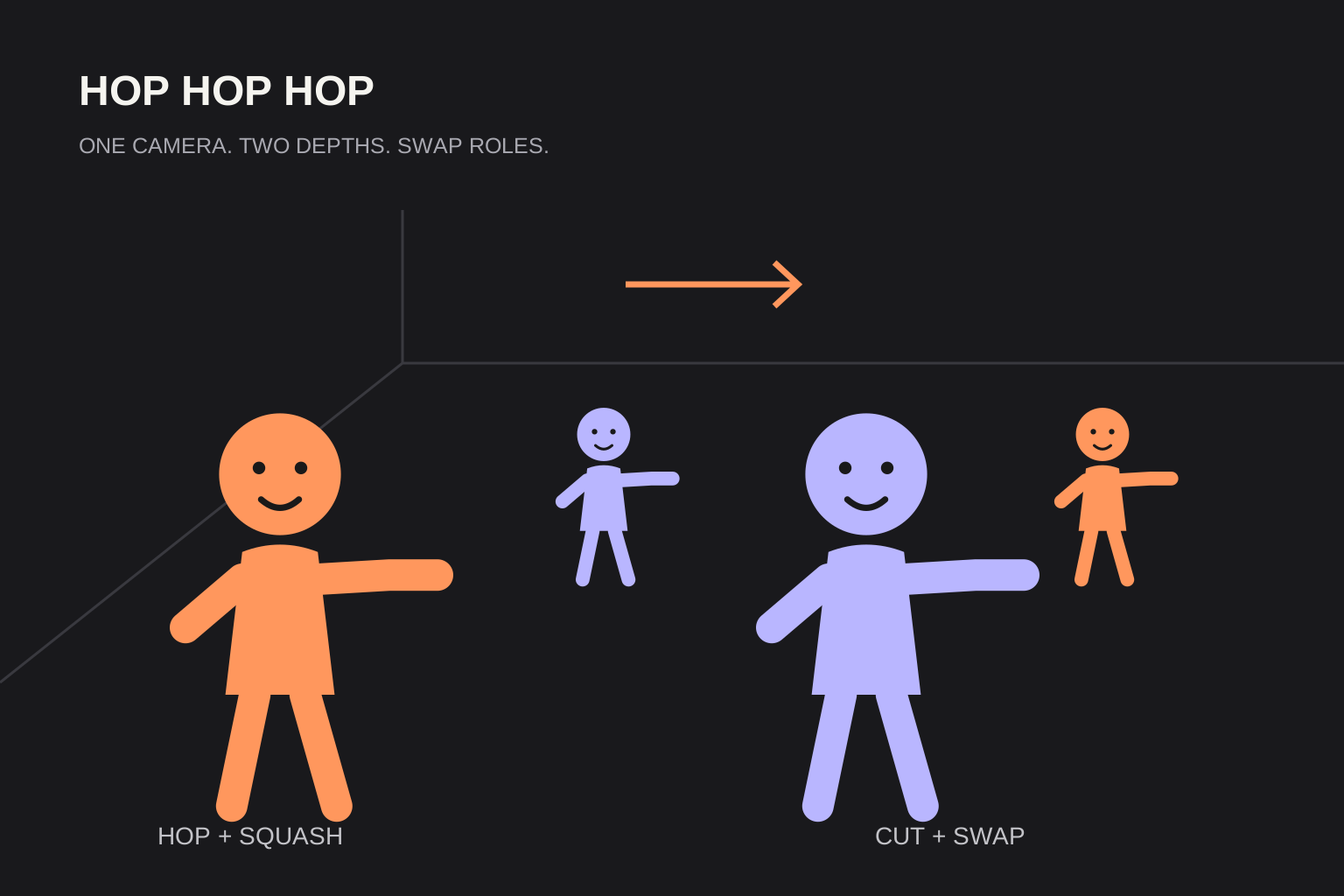
You can join the squash-and-swap trend without AI. A near palm appears to press down a performer hopping farther away, then a hard cut exchanges their positions.
Follow the filming steps below. If you cannot film together, use the two-photo studio on this page: 8 seconds, 480p default, 20 purchased credits and no watermark on downloads.
 Routine illustration
What you are filming
A near performer lowers a flat palm while a far performer hops and squats. A hard cut swaps the near and far roles. This is often searched as Gabi or @gabilagaba, but search naming varies; the name alone does not establish a first creator or an identical trend.
Gear and space
Use a phone supported firmly in one position and a hallway or other space with enough depth for two performers. Keep both takes in the same frame, with room for the front hand and the distant performer’s feet.
Step-by-step
Rehearse while watching the screen so the perspective and timing line up. The performers do not need physical contact.
Lock the phone
Keep the phone still for both takes; do not pan or zoom during the swap.
Place near & far
Mark a near position and a far position. Check that the distant performer appears small beneath the foreground hand.
Point and three hops
The near performer points back while the far performer rehearses three hops to a shared count. Adjust the pace to the sound you plan to use.
Flat palm squash
Line the near palm up above the far performer’s head in the camera view. Lower the palm as the far performer bends their knees.
Hard cut and swap
Film another take with roles reversed and the same camera position. Cut at the palm-down squat and join the reversed take directly.
Sync to a permitted sound in-app
Preview the whole cut, choose a sound allowed for your account and intended use, then align it with the gesture and swap.
Why AI exists
If you cannot film together, Hop Hop Hop Dance AI uses two separate photos to request an 8-second video at 480p default for 20 purchased credits. Downloads have no watermark. Use Start creating to open the two-photo studio here; original audio is included rather than the commercial song recording.
FAQ
Do I need AI to join the trend?+
No. You can film the routine yourself with a fixed phone, two performers and a hard-cut swap.
Can the AI replace filming?+
Yes. This site uses two required photos for an AI version; results and timing can vary.
Do I need an app for the AI version?+
No. Use this site in a browser, including Safari on iPhone.
Sources and editorial notes
The studio uses built-in character scripts. Review faces, movement and timing before sharing your video. Read our editorial approach